
What is AutoPlot?
AutoPlot is an automated levels and range study developed by OrderFlowLabs. It identifies and plots the structural reference areas a discretionary order-flow trader needs on the chart, eliminating manual drawing and keeping every session consistent. AutoPlot is the flagship tool in the OFL Structure and Planning suite and serves as the contextual backbone for the rest of the package.
Who it's for
- Futures traders working ES, NQ, CL, GC, and other liquid contracts.
- Order-flow traders who plan from balance areas and range references rather than indicator signals.
- Day traders who want a repeatable, automated levels workflow each session.
- Swing and intraday hybrid traders who need structural context overlaid on execution charts.
- OFL users migrating from manual drawing tools who want consistency across sessions.
How AutoPlot works
Automated structural levels
AutoPlot reads recent price action and auto-draws the balance areas and ranges that define the current market context. Instead of redrawing levels each morning, the study keeps reference areas current as the market evolves, so you can focus on reading order flow inside known structure.
Built for your platform
AutoPlot is delivered as a study and is designed to run on standard intraday timeframes. The example chartbook is configured for ES and NQ and serves as a working template you can adapt to other futures contracts.
Foundation for the rest of OFL
Because AutoPlot defines the structural context, the rest of the OFL package layers cleanly on top: Buy/Sell Zones for pullback locations, ATR Ranges for expected daily travel, ODR Zones for opening-drive references, and OFL execution tools for entry timing.
Setup and installation
OrderFlowLabs has packaged the AutoPlot onboarding into a roughly twenty-minute path:
- Watch the AutoPlot intro video (about four minutes): AutoPlot Intro from OrderFlowLabs.
- Watch the Sierra Chart setup walkthrough (about ten minutes): AutoPlot Sierra Chart setup guide.
- Download the example chartbook (included with the OFL package) for ES and NQ.
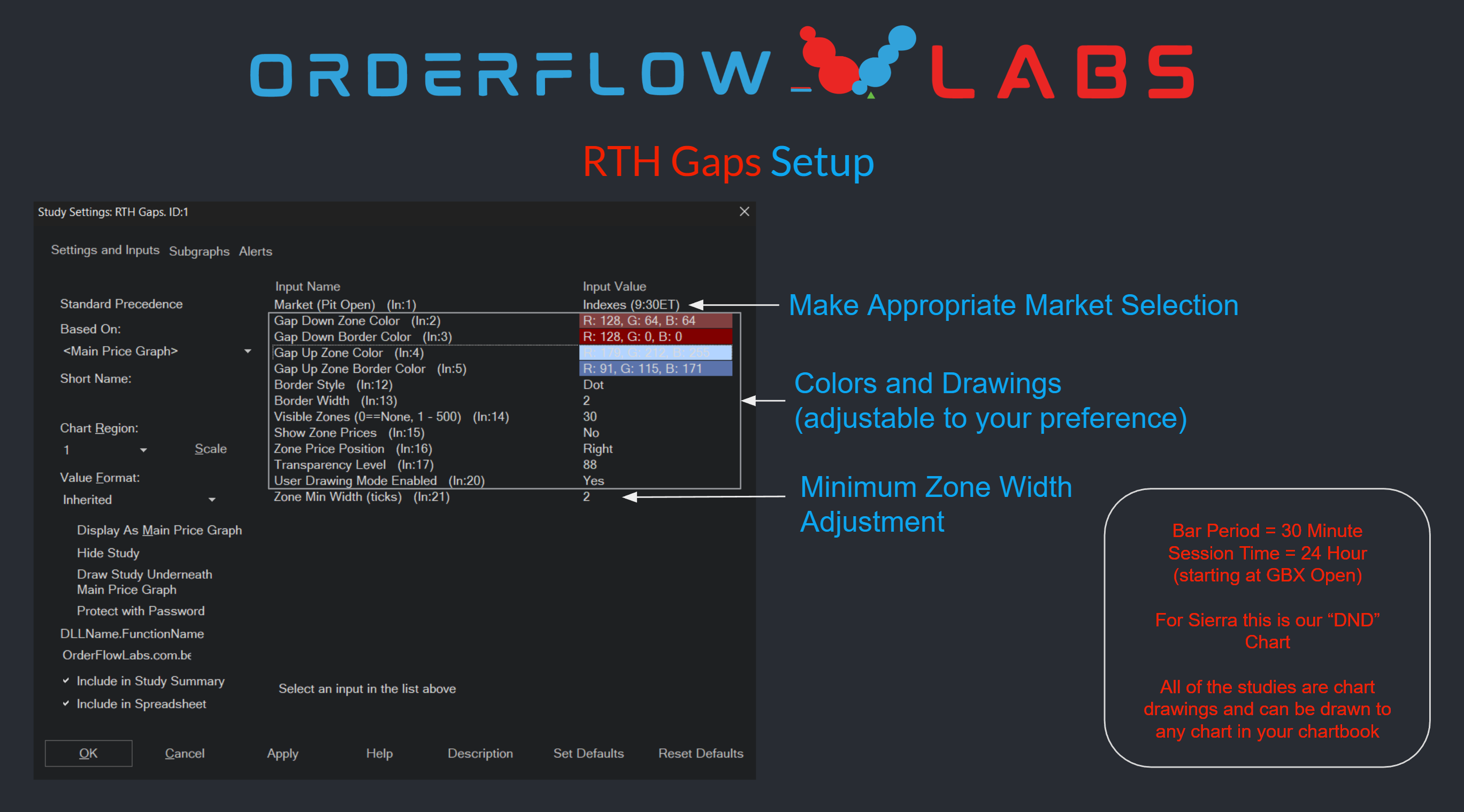
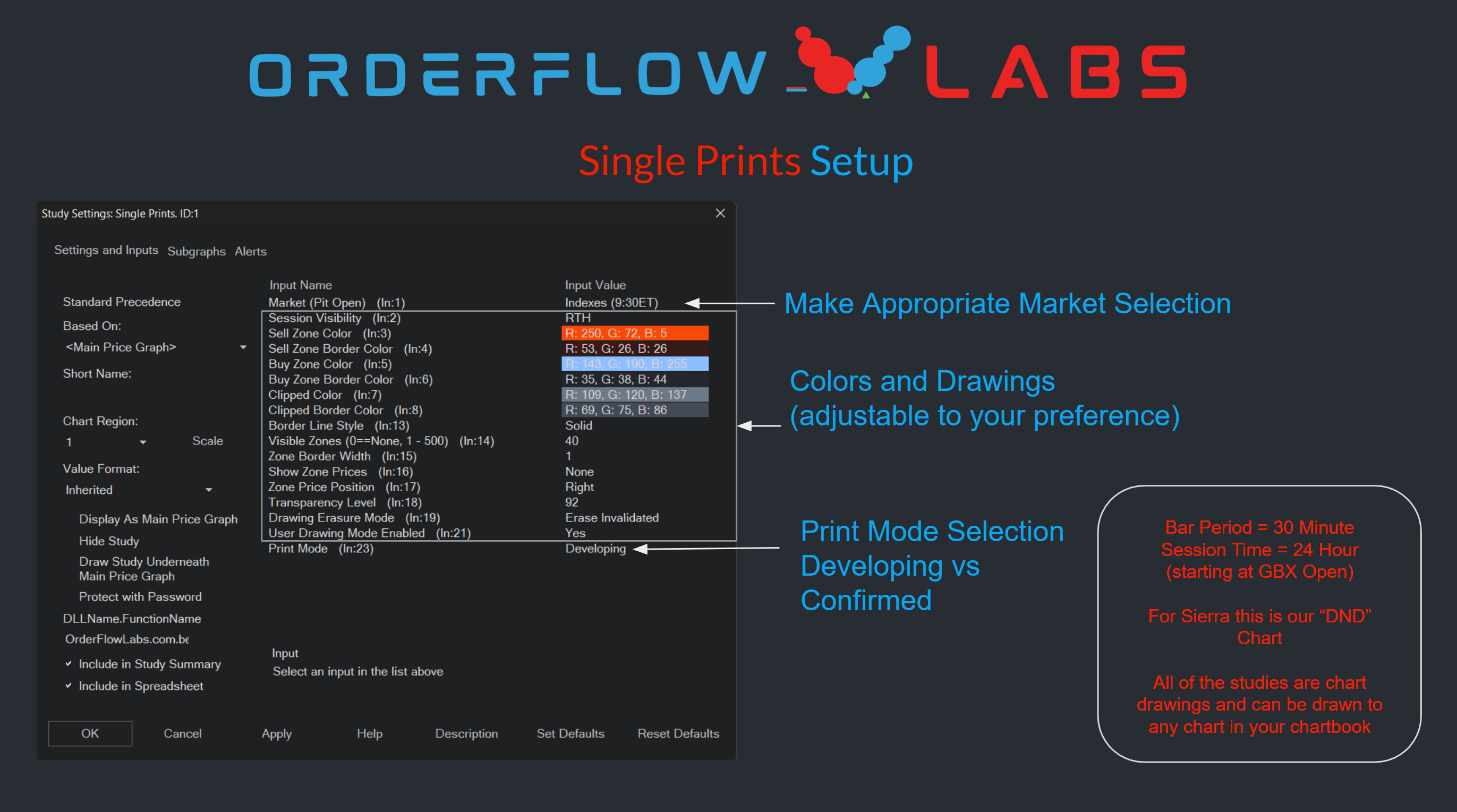
- Review the setup screenshots provided alongside the chartbook.
A more recent walkthrough is also available: AutoPlot updated overview.
Note: Platform-specific videos for MotiveWave, NinjaTrader, and EdgeProX are provided in the Discord.

Example use case
You arrive at the open and AutoPlot has already drawn the prior balance and range structure on your ES chart. Price opens inside the prior balance and pushes toward the upper boundary. Rather than guessing whether the breakout is real, you wait for price to interact with the AutoPlot reference, then drop down to your execution chart and use the OFL order-flow tools to confirm whether responsive sellers or initiative buyers are in control. The level gave you the where; the execution tools give you the when.